Micro Breaks
Micro Breaks are quick, scheduled reminders that prompt you to stretch, hydrate, or simply take a breather throughout the day. They're an easy way to protect your health and stay productive, even when work gets busy.
Setting your break times
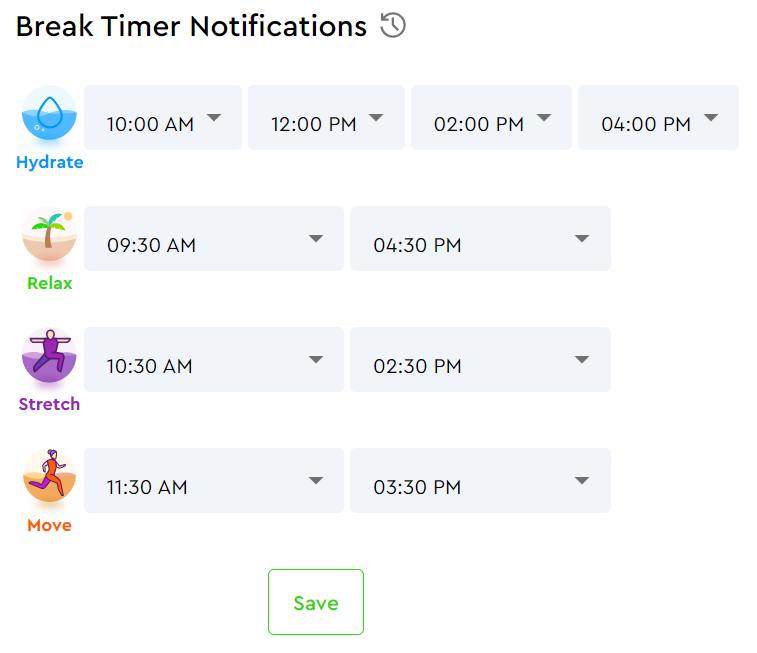
Click the Break Timers settings icon on your main Dashboard, or go to Profile in your account settings. The Break Timer Notifications scheduling table is in the My Information tab of your Profile.

To set your Break Timer start times, click the arrows in the table and choose a time from the list. Click Save when you're done. Your changes take effect the following day.
Adjusting for time zones or Daylight Saving
Click the clock icon to the right of "Break Timer Notifications." It'll turn green and reveal plus and minus buttons to adjust your time. Click the clock again to lock it in.